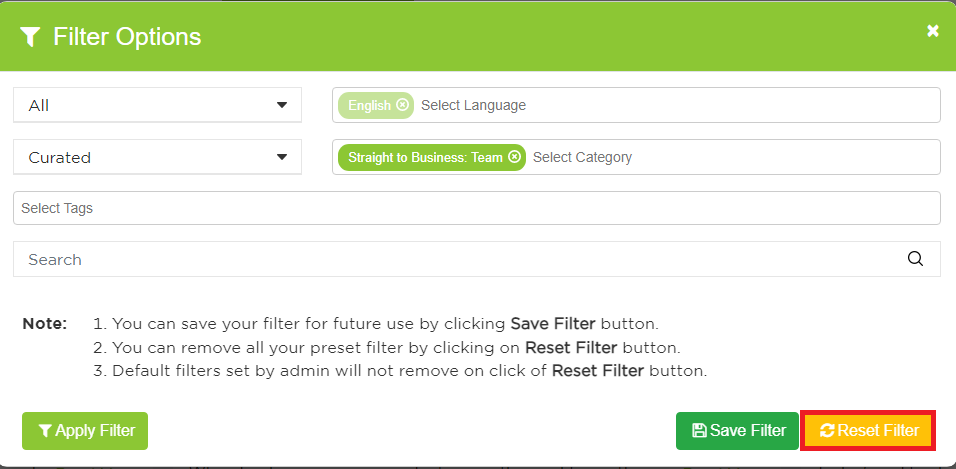
How to Set Up Filters:
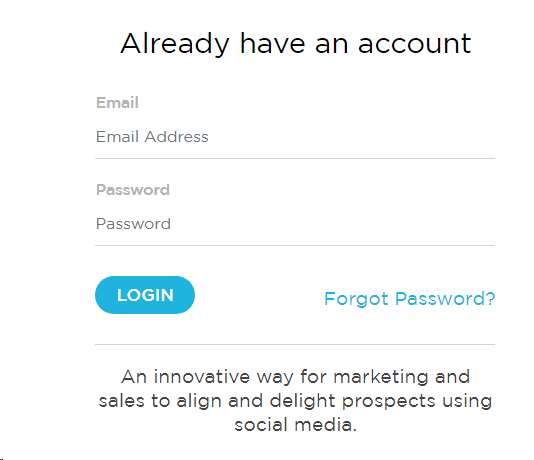
Step 1: Log in to RFS (front end).
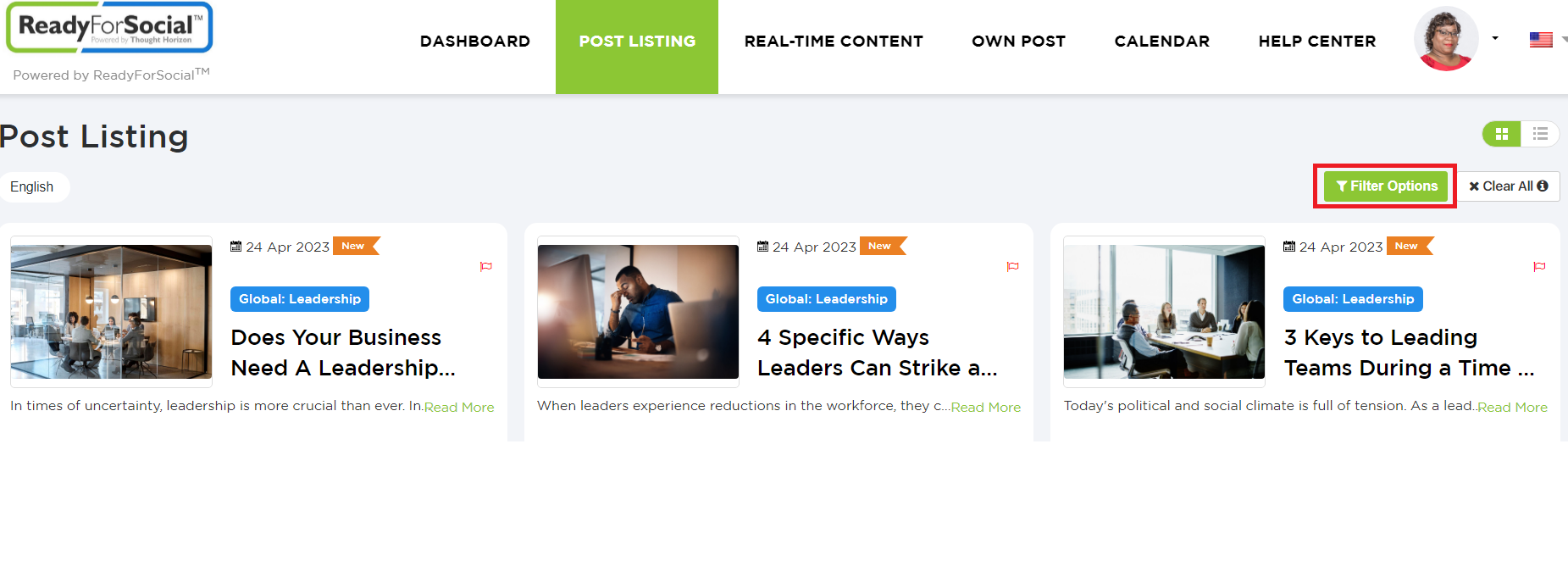
Step 2: Go to Post Listings.

Step 3: Click on "Filter Options"
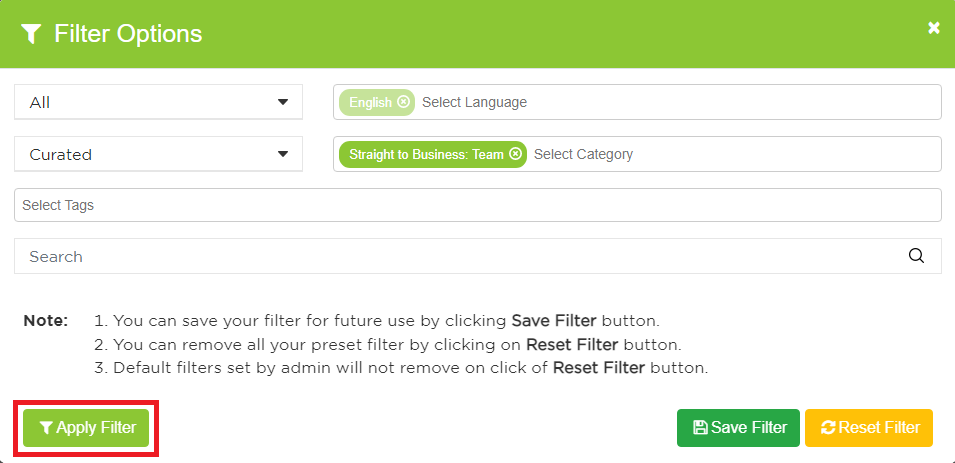
Step 3: A Filter Options box should pop up. Select the filters you would like to have when searching content.
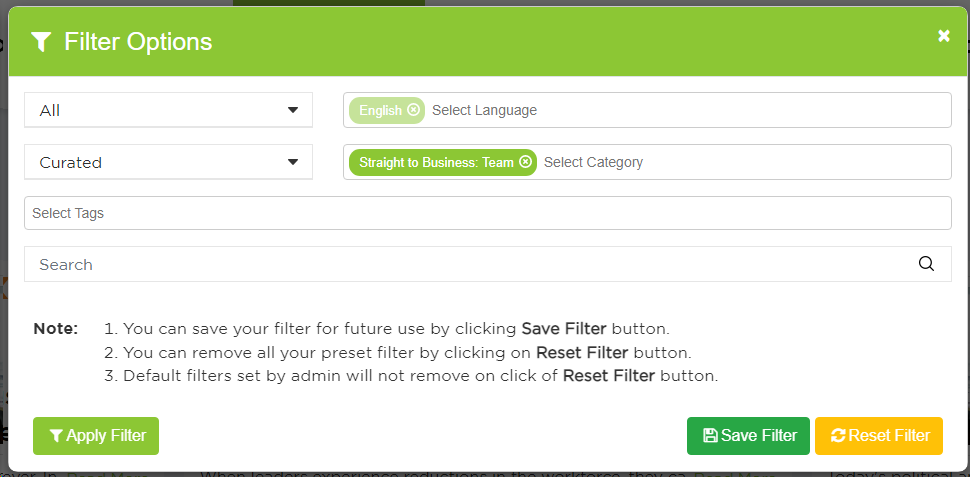
Step 4: Once you are done making your selections, click "Apply Filter."
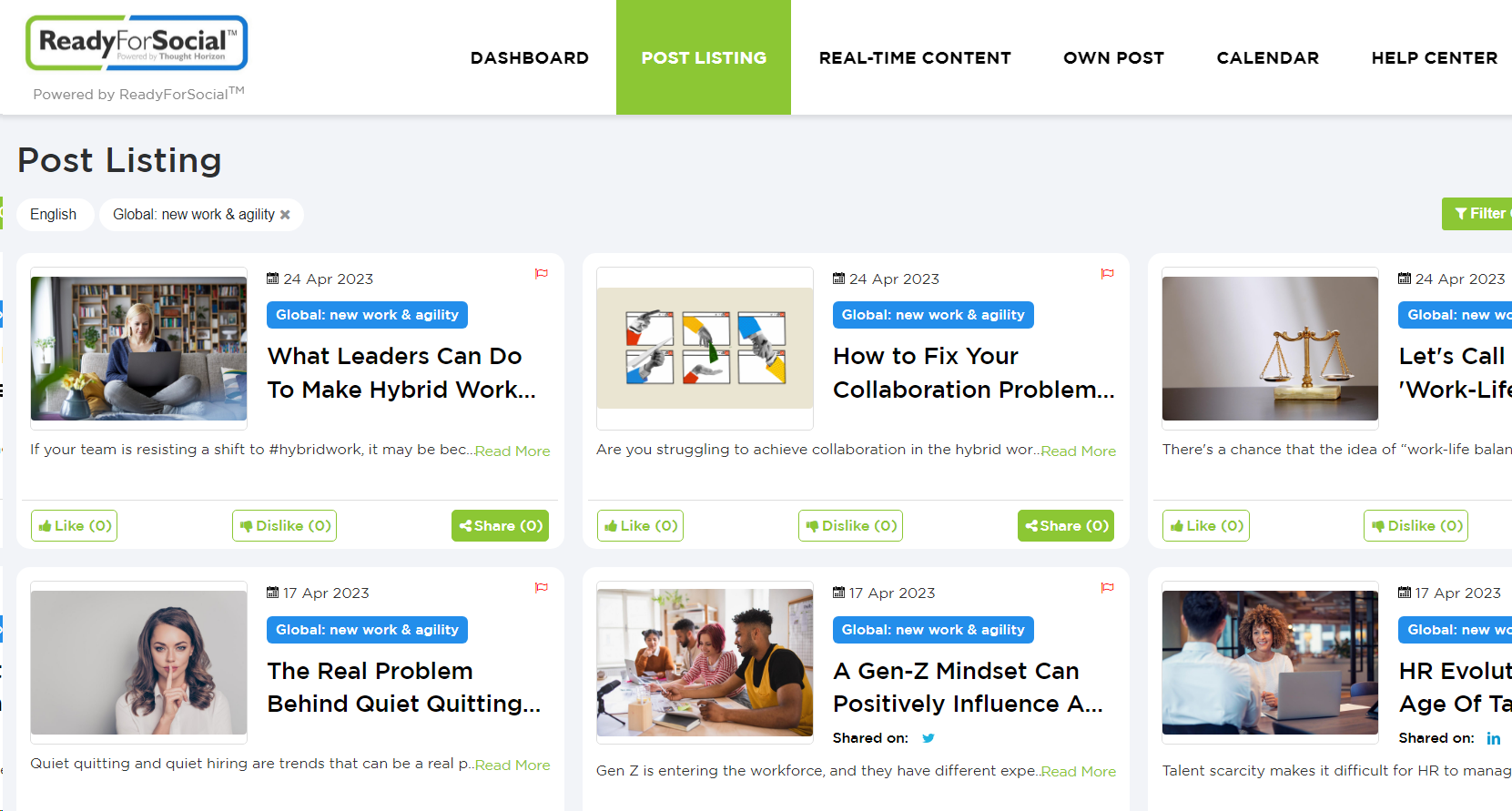
Step 5: This will bring you back to the Post Listing screen, where the filter should be working.
How to Remove Filters:
Step 1: The first way to remove filters is by clicking the "Clear All" found next to the Filter Options button.
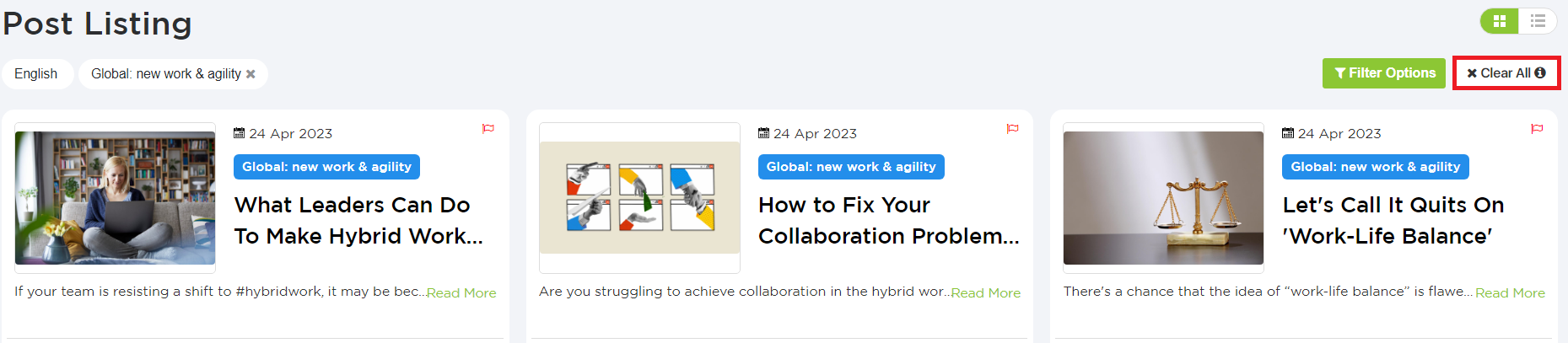
Step 2: The filters shown under the Post Listing title should now be gone.

Step 3: Otherwise, you can click on Filter Options.
Step 4: Click on the "Reset Filter" button; that should reset/remove all of the filters.